
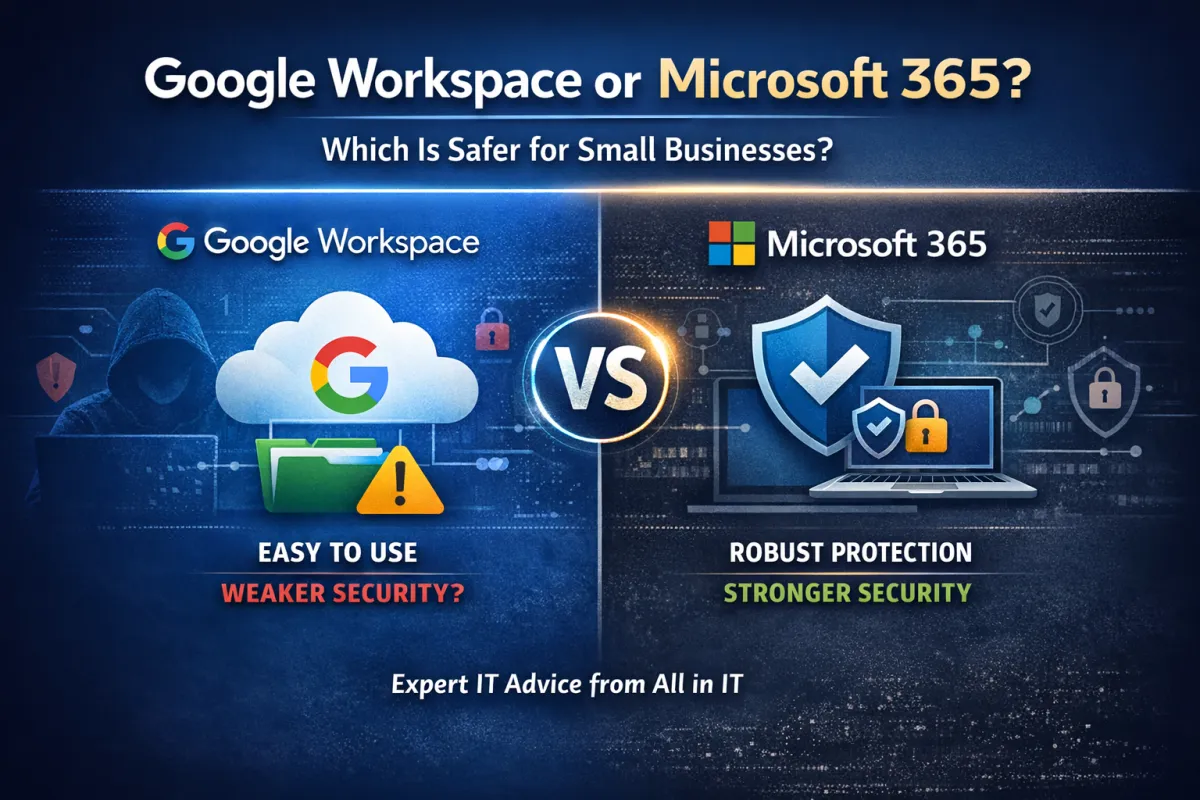
Google Workspace or Microsoft 365 For Small Business
If you’re a small business owner trying to decide between Google Workspace or Microsoft 365, you’re not alone. This is a common IT question we hear at All in IT. Both platforms promise cloud-based email, file sharing, and collaboration. Both say they’re secure, and both seem easy to use. Here’s the truth: the platform you choose can make a big difference in how protected your business really is.
At All in IT, we work with small businesses every day. We see what works, what breaks, and what leads to security scares, or worse, real breaches. Based on what we’ve seen in the real world, we have a clear recommendation when it comes to Google Workspace or Microsoft 365.
Let’s break it down in plain English.
Why Small Businesses Choose Google Workspace or Microsoft 365
Most business owners don’t choose a platform because of security. They choose it because it feels easy.
Many companies start with Google Workspace because they can figure it out themselves. Email works. Files show up. Sharing is quick. It feels familiar, especially if you’re already using Gmail in your personal life.
Microsoft 365, on the other hand, can feel more complex at first. That complexity exists for a reason. It gives you more control, better integrations, and much stronger security when it’s set up the right way.
One big misunderstanding we see is that business owners assume both platforms protect them equally just because they’re “in the cloud.” Unfortunately, that’s not how breaches work.
The Big Security Myth: "The Cloud Has Me Covered"
This is one of the most dangerous assumptions small businesses make. Whether you’re using Google Workspace or Microsoft 365, the cloud does not automatically protect you from:
Phishing emails
Stolen passwords
Ransomware
Accidental file sharing
Malicious logins from unknown devices
Another common misconception is thinking that Google Drive or OneDrive is a backup. It’s not. It’s a sync tool. If a file is deleted or encrypted by malware on one device, that change syncs everywhere. Real security takes planning, setup, and the right tools.
Where Google Workspace Falls Short for Small Businesses
Google Workspace isn’t “bad,” but it has some serious gaps that matter for small businesses.
1. Weak Identity and Device Controls
One of the biggest differences between Google Workspace and Microsoft 365 is identity control. Microsoft allows IT teams to control which devices are allowed to log in and what they’re allowed to do. Google doesn’t offer the same level of control. That means:
Employees can log in from personal devices
Bring-your-own-device setups are harder to secure
Lost or stolen devices are a bigger risk
2. Oversharing Is Too Easy
We see more issues with external file sharing in Google. A single click can expose sensitive files to anyone with a link, and those links often stay active longer than business owners realize.
3. Admin Access Gets Messy
All in IT has seen many Google environments with shared admin accounts, sometimes four or five people using the same login. That makes it almost impossible to track changes or stop an attack if credentials are stolen.
4. Limited Security Tool Integration
Many professional security tools used by managed IT providers simply work better, or only work, with Microsoft. That limits how much protection can be layered onto Google Workspace.
Why Microsoft 365 Business Premium Is a Game Changer
When clients ask us which is better, Google Workspace or Microsoft 365, our answer is clear: Microsoft 365, when licensed and configured correctly. Specifically, Microsoft 365 Business Premium. Here’s why.
Built-In Security
It has a built-in security that actually reduces risk. Business Premium includes:
Strong identity controls
Device management through Intune
Advanced email threat protection
Conditional access rules
Built-in endpoint security
These tools work together as one system, not a collection of add-ons.
Better Protection Without More Tools
Instead of buying and managing multiple security products, Business Premium bundles practical protection into one license. That lowers complexity and helps small businesses stay secure without hiring internal IT staff.
Better Integration With Business Software
Most small businesses rely on Windows computers, desktop applications, and tools like QuickBooks. Microsoft 365 integrates more smoothly with these systems, reducing workarounds and security gaps.
Security Issues All in IT Sees Often
Across both platforms, we commonly see that MFA is not turned on everywhere, there are too many admins, no real backups, and overshared files.
When we look specifically at Google Workspace or Microsoft 365, the incidents differ. With Google, issues usually involve:
External link sharing
Hard-to-manage security groups
Uncontrolled device access
With Microsoft, problems almost always come from using the wrong license. Business Standard doesn’t include enough security tools. Once clients move to Business Premium, those risks drop significantly.
What All in IT Recommends for Small Businesses
If your goal is to reduce breach risk without adding stress or cost, All in IT recommends:
Microsoft 365 Business Premium, properly configured. From day one, we will set everything up the right way. During the onboarding process, we:
Migrate all email and files from Google to Microsoft
Set up MFA for every user
Apply least-privilege access
Configure device management
Secure email with SPF, DKIM, and DMARC
Implement third-party backups
Train your team on OneDrive, SharePoint, and Teams
The process is seamless, and no data is lost.
Final Verdict: Google Workspace or Microsoft 365?
If you’re comparing Google Workspace or Microsoft 365 purely on ease of use, Google might feel simpler at first. But if you care about:
Security
Breach prevention
Device control
Long-term scalability
Microsoft 365 Business Premium is the stronger choice.
At All in IT, we’ve seen what happens when security is an afterthought, and we’ve helped businesses recover from it. Our recommendation comes from experience, not theory.
If you want a platform that protects your business while still being easy to use, Microsoft 365 is the clear winner.
All in IT specializes in securing small businesses with Microsoft 365 Business Premium. If you’re using Google Workspace or Microsoft without the right protection, let’s talk. Contact All in IT to schedule a security-focused IT consultation.
Matt Daniel, CEO & Founder
Matt Daniel is the founder and CEO of All in IT, where he helps skilled trade businesses build secure, reliable, and scalable technology systems. With years of hands-on experience supporting contractors, HVAC companies, and other field service professionals, Matt is passionate about making IT simple, practical, and profitable for the trades.